

A lot of sales teams we work with already have too many tools. They've got a CRM, a sequencer, a contact database, an enrichment tool, a call recorder, a dialer, an email warmup tool, and probably three Chrome extensions on top of all that. The tools are not the problem.
The problem is that every task involves jumping between five of them.
A rep wants to send a personalised email. They open LinkedIn, scroll the prospect's profile, copy a recent post into a doc, switch to HubSpot to check past emails, switch to Apollo to find the right phone number, switch to Findymail to verify the email, switch back to their sequencer, paste in a draft, hit send. By the time they finish, twenty minutes have gone by and they've sent one email.
Multiply that by 30 reps and 50 emails a day. That's where the day goes.
Once you start using Claude Code with MCPs connected, this changes. The reason is that all those tools can finally be controlled from one place.
We recommend these 8 MCPs to every sales team we work with.
Here's the breakdown.
What an MCP actually does
An MCP (Model Context Protocol) is a small piece of software that connects Claude to one outside tool. Once it's installed, Claude can do anything the tool's API allows: pull data, take action, run a search, send a message. You write a sentence, Claude does the work.
Think of it like a remote control for your stack. Without MCPs, Claude can talk about your tools. With MCPs, Claude can use them.
Now let's get into which ones to use.
1. Apollo
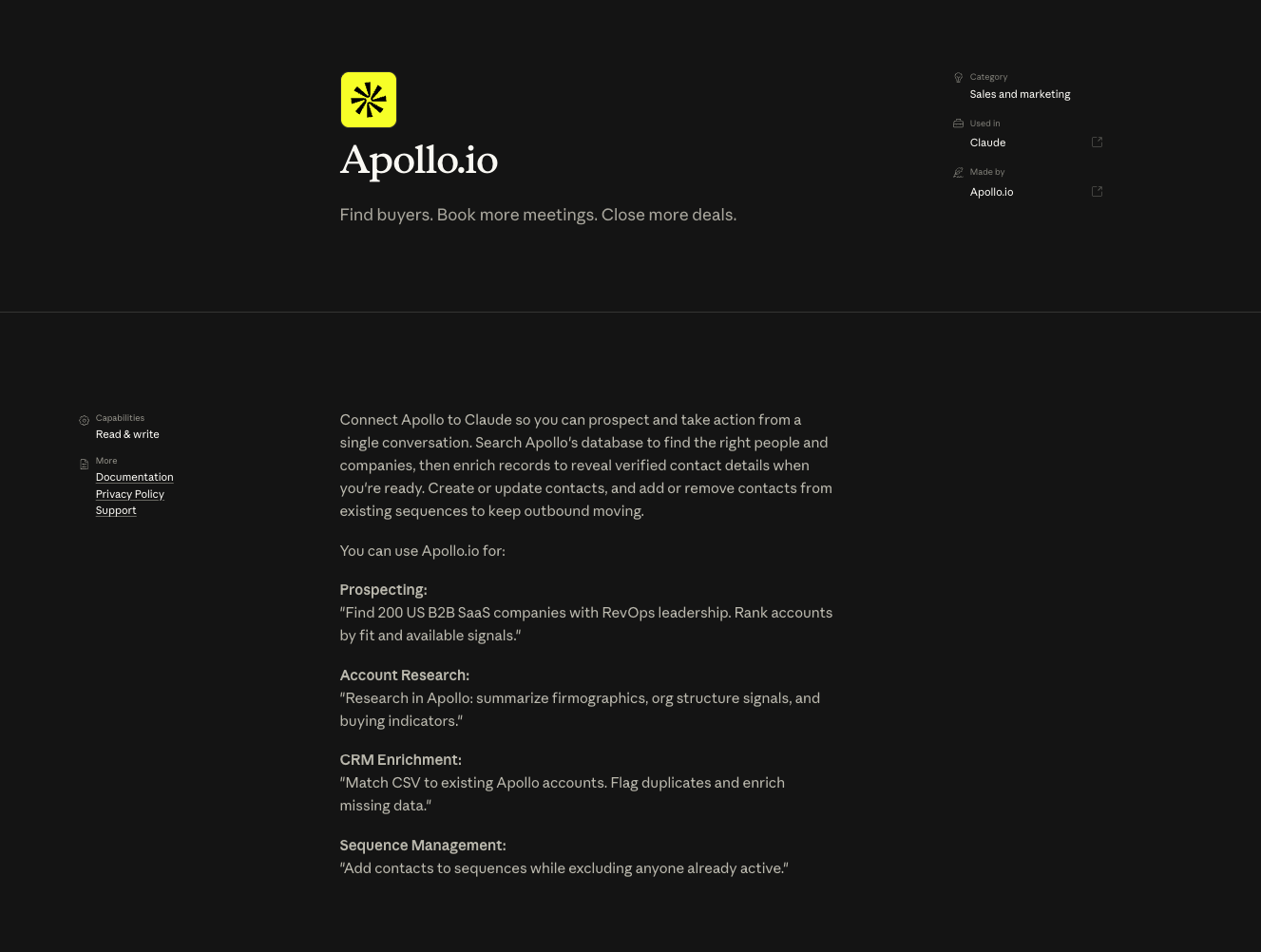
Apollo is the first MCP to install on any new setup. It earns its place fastest because it covers more ground than any other tool in sales.
You describe an ideal customer in plain words.
"Heads of RevOps at Series B SaaS companies in the US, between 100 and 500 employees."
Claude pulls a list, removes duplicates, pushes them to your CRM. The whole thing takes a few minutes.
But list-building is the easy part. Where Apollo really pays off is in stakeholder mapping.
Say you've got 50 target accounts and you want to find every VP of Sales, RevOps Director, and Head of Marketing across them. With one prompt, Claude pulls the contacts, ranks them by seniority, drops them into your sequencer.
The other thing worth knowing: you can ask Claude to pull performance data from your existing Apollo sequences without opening Apollo. Useful when your manager asks why reply rates dropped last week and you don't want to spend 20 minutes building a report.
2. Findymail
Apollo's email coverage is good. But not perfect. You'll send a campaign with Apollo emails and watch the bounce rate creep above 3%, and that's when the deliverability problems start.
Findymail closes that gap. The MCP runs an email waterfall: when Apollo can't find an email, Claude tries Findymail. When Findymail finds one, it verifies the address before anything goes into a sequence. When you've got a list of 500 LinkedIn URLs and no emails attached, Claude can find them all in a single batch.
Bounces are the fastest way to ruin your sending domain. Once a domain is flagged, you're stuck warming it back up for weeks. So this MCP is doing more than enrichment. It's protecting your inbox placement.
3. Firecrawl
This is the one teams miss when they first set up Claude Code. They focus on the database tools and skip Firecrawl. Then they realise Apollo and Findymail can only give them what's already inside a structured database.
Firecrawl gives Claude access to the open web.
That means Claude can:
- Pull pricing from a competitor's page before a deal review.
- Scrape an account's careers page to spot hiring signals.
- Read a prospect's last three blog posts so your opener doesn't sound like every other cold email in their inbox.
Apollo and Findymail give you what's in databases. Firecrawl gives you everything else. Once all three are connected, your data layer is in good shape.
4. Instantly
Instantly is the email sequencer. Once the MCP is connected, you can describe a full campaign in a sentence and Claude builds it.
Here's what that looks like in practice.
You say: "Build a 4-step campaign for the RevOps leaders we just sourced. Step 1 references their recent funding round, step 2 shares a relevant case study, step 3 is a soft pitch, step 4 is a breakup."
Claude writes the copy, picks the inboxes that are warmed up, uploads the leads with custom fields filled in, and sets the sending schedule.
A week later, you ask for a report. Reply rates by step. Positive replies. Which copy is getting opens but no responses. Which inboxes are landing in primary. Claude pulls it from the Instantly API and shows you the answer in seconds.
This is the part of the workflow that probably saves the most time. What used to take 45 minutes of clicking through Instantly now takes one prompt and a quick review.
5. HeyReach
Email is half the loop. LinkedIn is the other half.
HeyReach handles automated DM campaigns across multiple sender accounts. The MCP lets Claude build LinkedIn sequences the same way it builds email sequences. You describe the campaign, Claude builds it, and the report comes a week later.
The potential shows up when you connect HeyReach with a signal tool like Trigify or Jungler.
Someone engages with your CEO's post on Monday. Trigify captures it. Claude routes them into a HeyReach sequence on Tuesday. By Friday, they've got a connection request and a thoughtful first message that mentions the post they engaged with.
Email plus LinkedIn, both controlled from the same prompt. That's the outreach layer done.
6. Gmail
Majority of your sales conversations live in Gmail. The Gmail MCP lets Claude search your past threads, pull the history of any deal, and draft replies that match what's already been discussed.
The most useful pattern: prepping for a discovery call.
You ask Claude to find every email exchange with the contact and sum it up in a paragraph. No more scrolling through six months of "great chatting earlier" trying to remember what they said.
Claude reads it all and gives you the context in 30 seconds.
Reps who live in their inbox tend to like this MCP right away. It's the one that takes the least convincing.
7. Slack
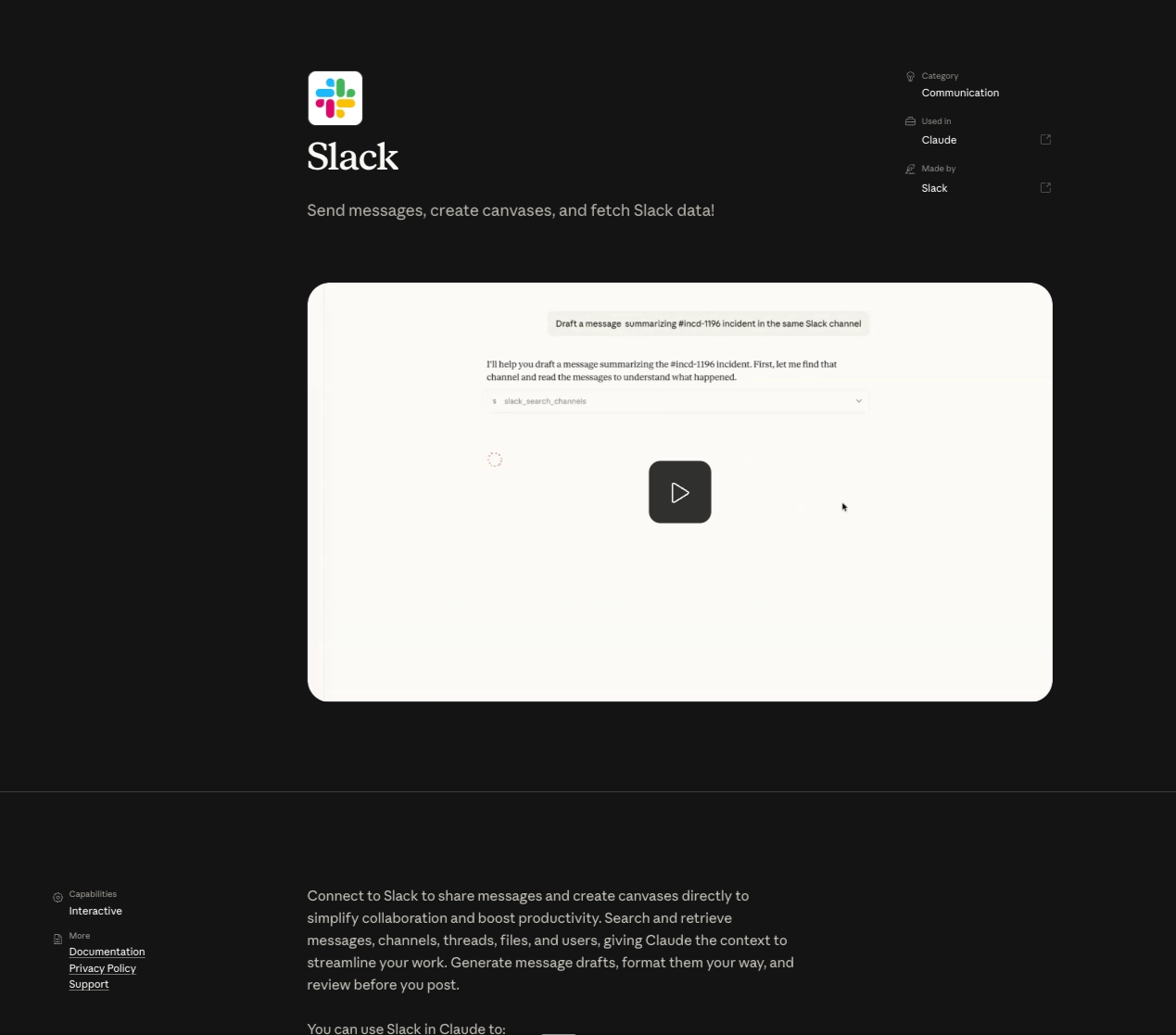
Slack is where the rest of your sales work happens. Internal handoffs, customer questions, signal alerts, and pipeline reviews. A lot of useful sales context inside a company is locked in Slack threads.
The MCP gets it out.
A few patterns we use a lot:
- Pulling the history of a customer conversation before a renewal call.
- Drafting replies in DMs without leaving the terminal.
- Reading inbound signal alerts (RB2B, Jungler, hand-raisers) and routing them to the right rep with full context attached.
If your team uses Slack as the main internal comms tool, the MCP is doing more work than people realise. Most of your team's collective memory is in there.
8. HubSpot
HubSpot is where everything lands. Without this MCP, every workflow ends with a manual update. With it, the loop runs itself.
Claude can update contacts, companies, and deals as objects. It can fill in CRM data using info pulled from Apollo, Findymail, or Firecrawl. And it can answer pipeline questions: what moved this week, where deals are stuck, how reps are doing. All without anyone opening a dashboard.
If you use Salesforce, the same idea works through the Salesforce MCP. The point isn't which CRM you use. The CRM just has to be connected.
This is the MCP that closes the loop. The one that makes everything else work together.
Conclusion
Most teams think the way to fix tool overload is to use fewer tools. That's almost never the right answer. Every tool in your stack is there because it does something the others can't. Cutting them is just losing capability you've already paid for.
What's actually broken is the way you use them. Eight tabs, eight logins, eight places to update.
The eight MCPs in this post fix that. They don't replace your stack, instead they put one layer on top of it that you can talk to.
That's what good infrastructure feels like.
Resources